Is it really unlimited?
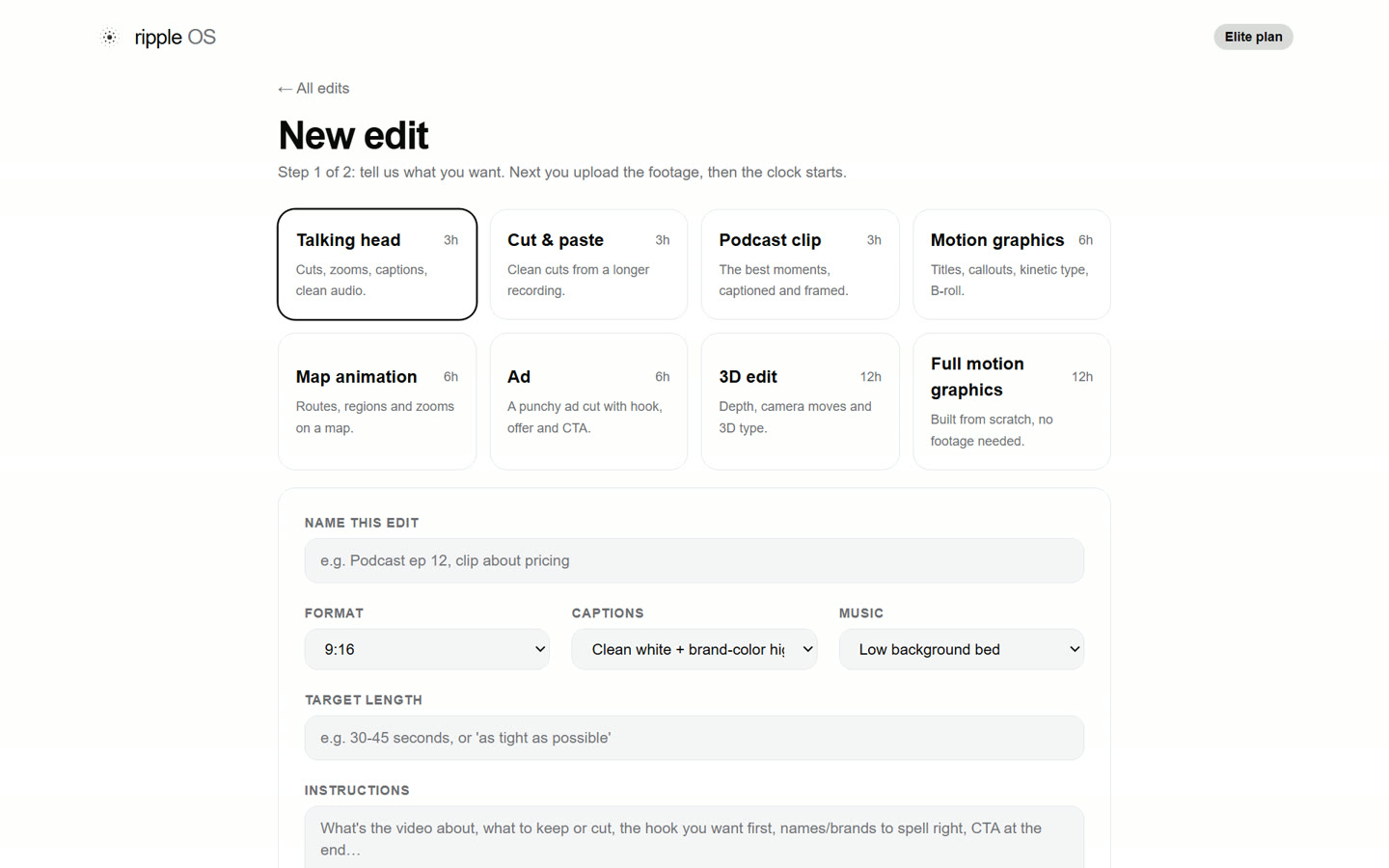
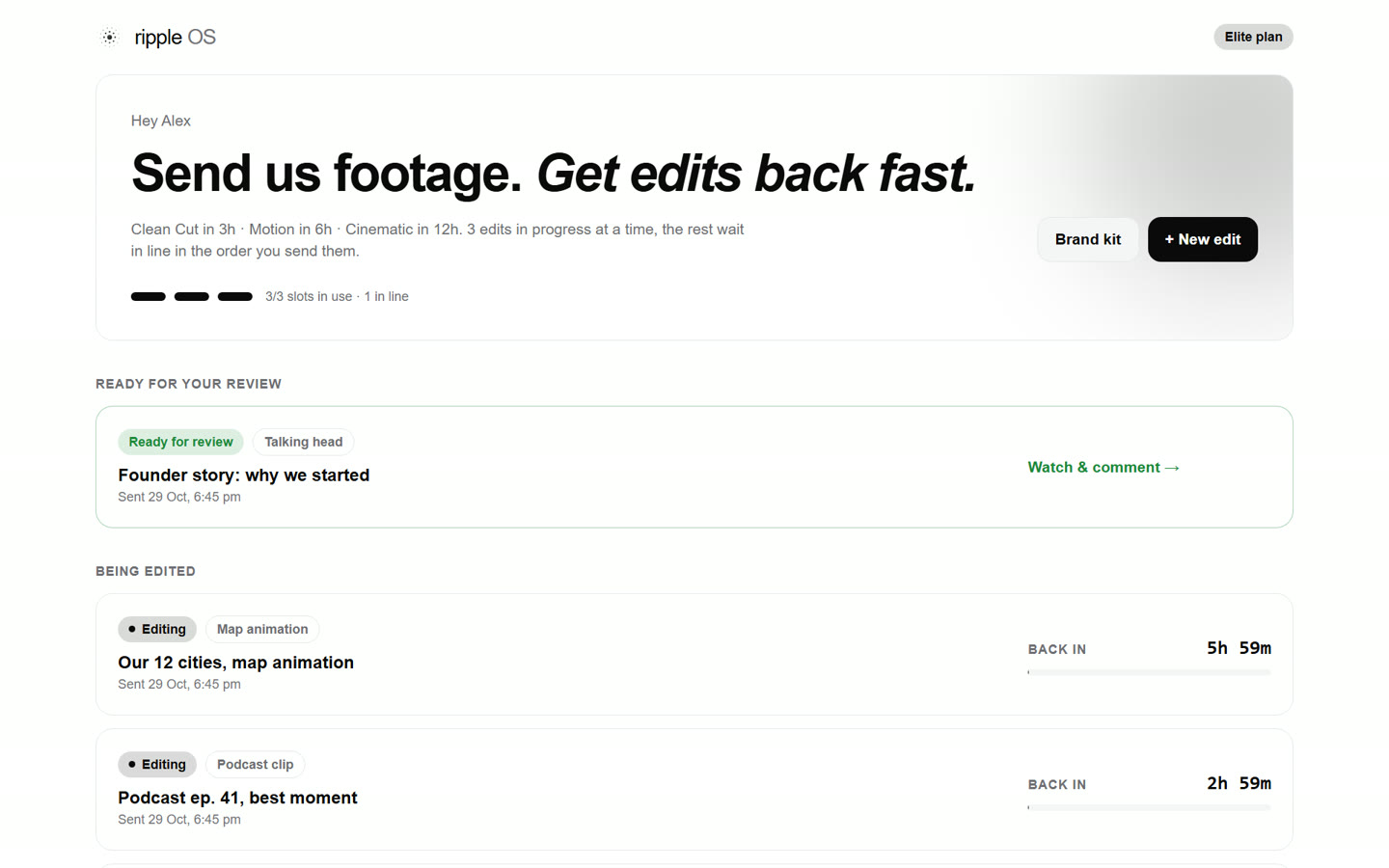
Yes, on Unlimited. Send as many videos as you want, of any edit type. One is edited at a time; the rest wait in line and start the moment it's delivered. One request is one finished video up to 3 minutes.
What do I get for $29?
One talking head, cut and paste, podcast or motion graphics edit up to 3 minutes, back in 3 hours (motion graphics in 6), with one round of changes. You get Ripple OS for 14 days to send it, review it and download it. Want more? Buy another, or go Unlimited.
Is it really 3 hours or less?
For talking head, cut and paste and podcast clips, yes: the clock starts when your edit starts, and it's back within 3 hours. Motion graphics and ads take up to 6 hours, full motion graphics and 3D up to 12. If we miss the clock, your next week is free.
How will I know my edit is ready?
You get an email and a Whop app notification the moment it's delivered, plus updates when the clock starts and when your changes are back. One tap opens the edit in Ripple OS.
How do changes work, and how long do they take?
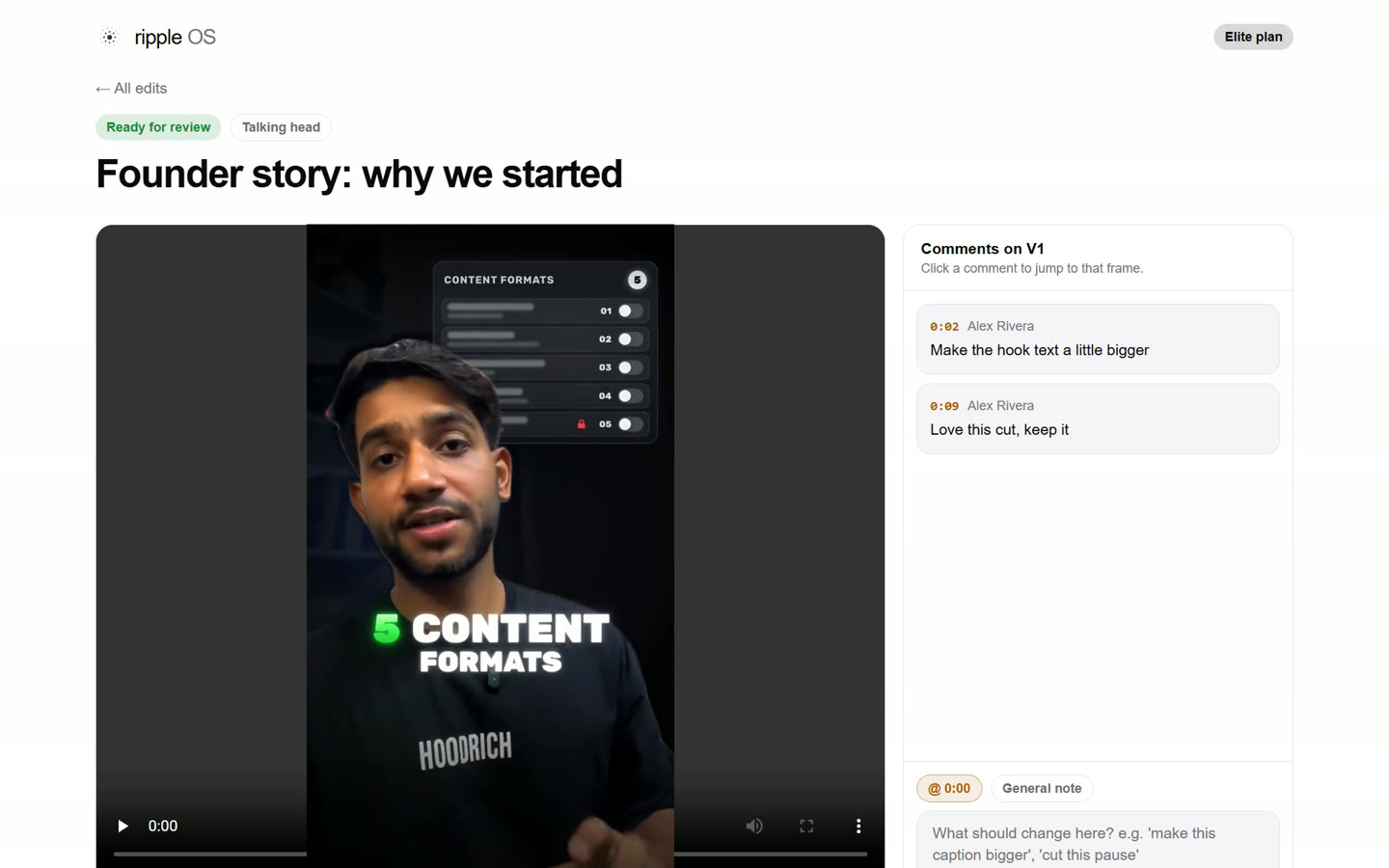
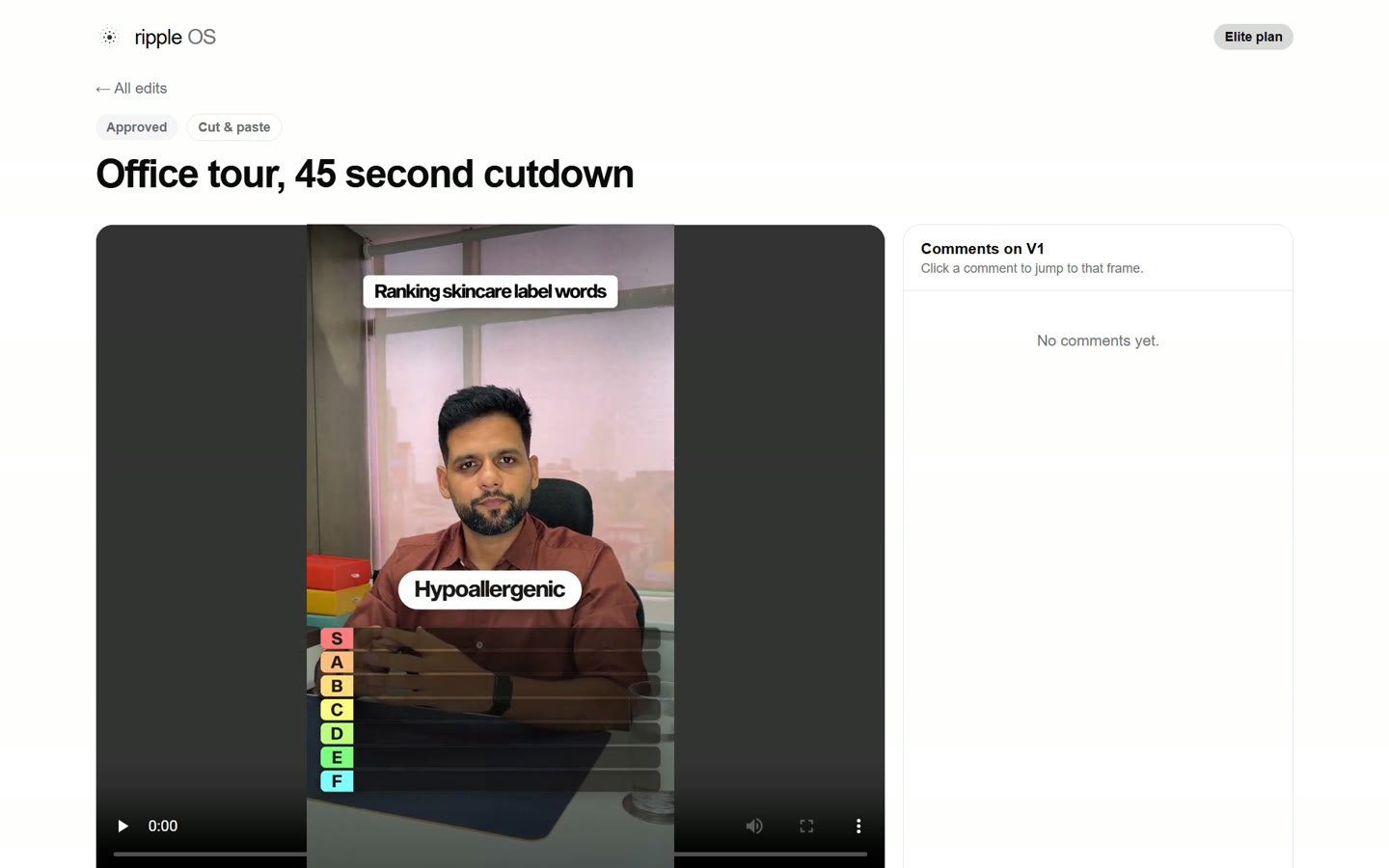
Open the edit, pause where something should change and type your note on that frame. The new version comes back in half the original clock: 1.5 hours for a talking-head edit. Unlimited rounds for 7 days after each delivery; after that the edit is marked final.
What if I upload at night?
We edit around the clock. Talking-head and cut edits are delivered as soon as they pass our quality checks, day or night.
How do you keep the quality high?
Every edit is checked for sound, captions, framing and format before it reaches you, and motion and 3D edits are reviewed by an editor. Not right? Leave a note and it comes back fixed.
Do I have to write long briefs?
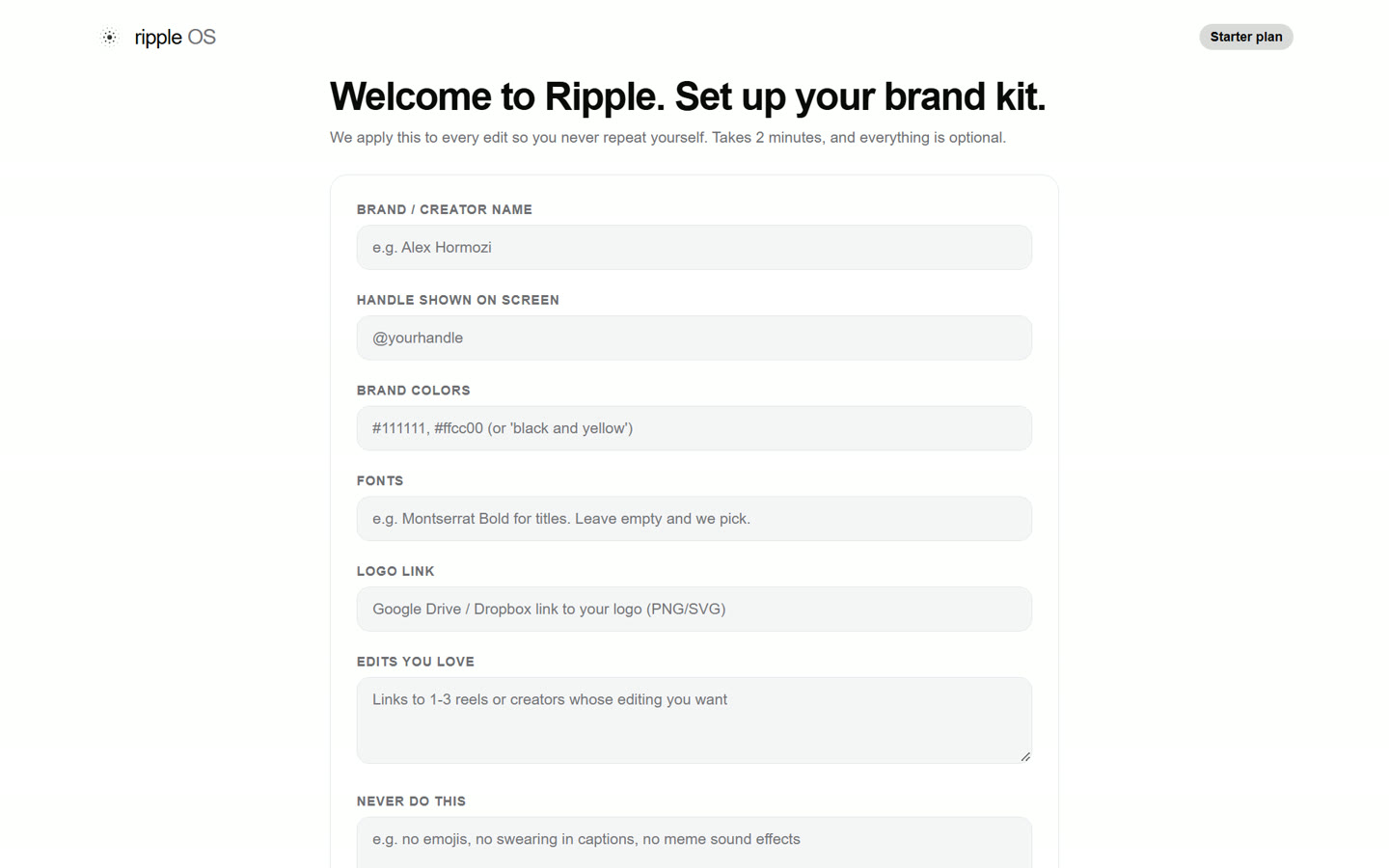
No. Set your brand once (fonts, colours, caption style), then just upload. Add a one-line note if you want something specific.
What counts as a new request instead of a change?
Changes to the same video are free and unlimited for 7 days. New footage, a different cut from the same footage, or a new idea is a new request in your queue.
How do I get into Ripple OS?
Right after checkout, Ripple OS opens inside your Whop account. Next time, open Whop (web or app) and tap Ripple Media. No extra passwords.
Can I cancel?
Anytime, from your Whop account. You keep access until the end of the month you paid for.